Cold Email Domain Warm-Up Strategy and Infrastructure Setup
Sender reputation requires infrastructure setup before outreach can succeed at scale.
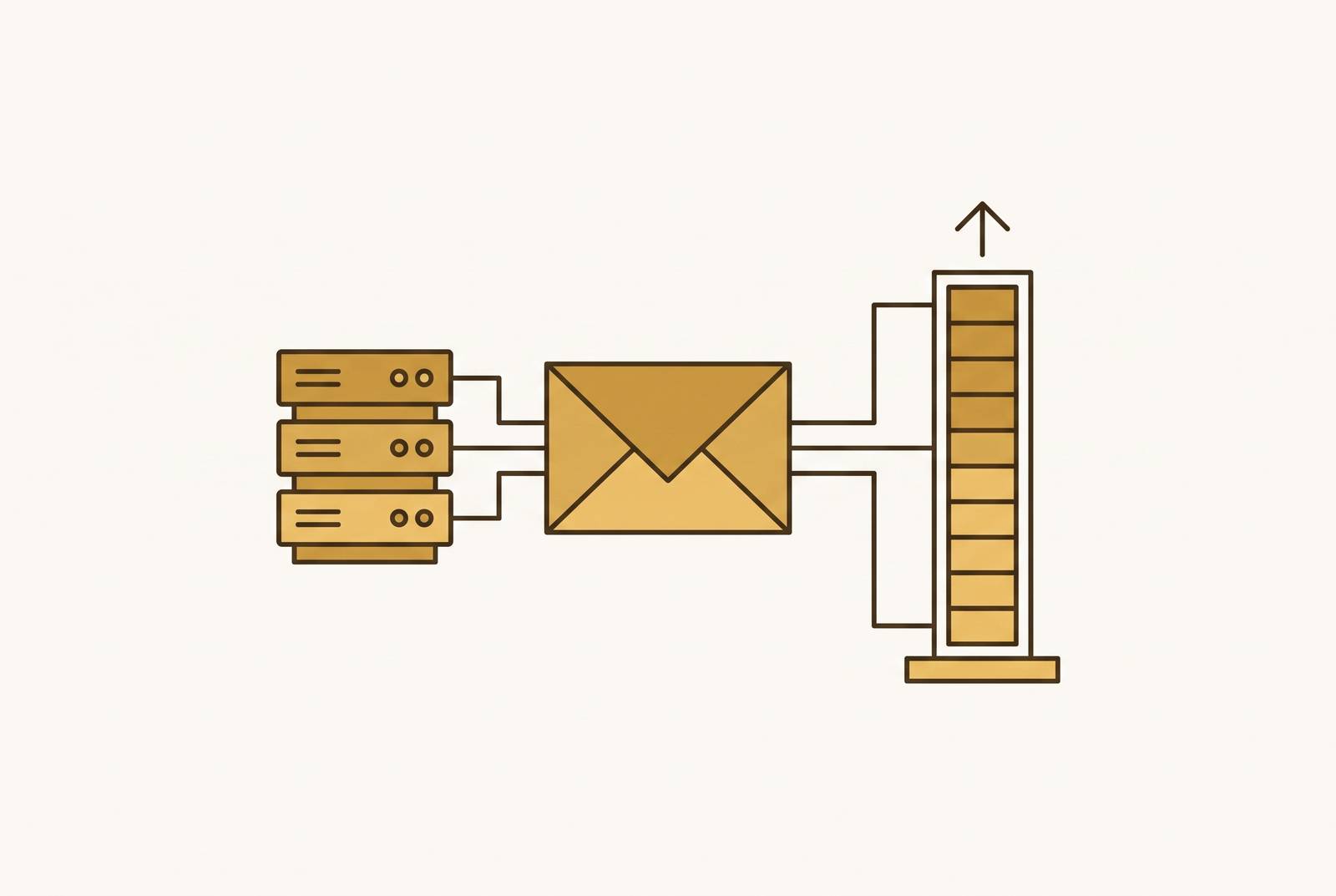
Outreach in 2026 needs cold email domain warm-up and infrastructure setup to get a chance to work. Authentication, domain isolation, and a steady sending ramp help mail reach the inbox before the copy has a chance to win over a recipient. The durable strategy is to treat sender reputation as an infrastructure asset, built gradually and maintained through genuine engagement.
Why cold email deliverability became an infrastructure problem before a copy problem
Google and Yahoo made authentication, low spam rates, and easy unsubscribes mandatory for bulk senders in early 2024. Microsoft Outlook extended that baseline to Outlook.com, Hotmail.com, and Live.com through its May 2025 enforcement. As of November 2025, Google enforces those rules with permanent rejections as well as spam-folder routing. Authentication failures can therefore prevent delivery altogether, although temporary deferrals may also occur.
The requirements extend beyond proving who sent the message. Marketing and promotional bulk mail reaching Gmail or Yahoo above the daily volume threshold must support compliant one-click unsubscribe, with transactional mail exempt and Yahoo also accepting a mailto method. In practice, the limit for spam complaints is lower than the older figure many teams still plan around. Meanwhile, AI-based filtering evaluates intent, content patterns, and recipient reading behavior rather than treating every recorded open as positive engagement. Because rejection can happen before anyone reads the copy, infrastructure is the sender’s first point of leverage.
Why sending from your primary domain is the single riskiest decision in cold outreach
A primary domain carries the reputation of the whole business. A cold campaign that attracts high spam complaints or a blacklisting can damage support messages, invoices, and internal communication from that domain. Dedicated secondary domains keep outreach separate from that essential business mail. Their purpose is to contain the consequences of a bad campaign, while poor sending practices remain risky.
Those domains should have a visible, professional connection to the brand. For acmewidgets.com, possible patterns include getacmewidgets.com, acmewidgets.io, or tryacme.com. Avoid random strings or generic domains with no clear business identity, and redirect the outreach domain to the main brand site.
Capacity planning follows the same isolation principle. Start with two to three mailboxes per domain, subject to the provider and intended sending volume. Estimate domain requirements by dividing daily volume by the product of a conservative per-mailbox daily limit and the mailbox count per domain. Scale through additional prepared domains rather than forcing more traffic through fewer accounts.
The authentication stack every sending domain must have before warm-up begins
Authentication must precede warm-up because providers evaluate authenticated and unauthenticated mail differently. Reputation history built without complete authentication does not transfer as though the setup had been correct from the beginning. Configure the records in order, starting with SPF, then DKIM, then DMARC. Allow a full day or two for DNS propagation before testing them.
SPF names the servers permitted to send for the domain. Publish one SPF record, keep it under the lookup limit, and validate it with a free SPF check. DKIM adds a cryptographic signature that lets the receiver check whether a message changed on its way there. Publish its public key in DNS, sign every send, and verify the signature with a DKIM lookup. DMARC provides handling instructions and reports, beginning at p=none for monitoring before moving to p=quarantine and then p=reject once legitimate mail passes cleanly.
Passing checks is not enough if the identities do not align. SPF or DKIM must align with the domain in the visible From address. After authentication, create mailboxes using firstname@domain.com or firstname.lastname@domain.com rather than generic addresses such as sales@ or info@, and stagger additions. If the platform uses tracking links, configure a custom tracking domain and include its reputation in the warm-up plan. Reverse DNS and dedicated network addresses belong only in high-volume setups that need them.
Why new domains need a resting period before warm-up starts, and how to use that time
A domain that starts sending as soon as it is registered looks like the short-lived domains spammers use. Let a new domain rest for at least four weeks, ideally 30 days, before sending any email. Use that window to establish an online presence, configure authentication, allow DNS propagation, and create mailboxes in stages.
An older domain can have an age advantage, but age alone does not establish a clean reputation. Check blacklists and review its sending history before treating it as ready for outreach. A previously registered domain unused for aggressive sending is different from one with a damaged history. Once the domain has rested and authentication is ready, the next task is to build a controlled sending record.
The warm-up schedule that builds sender reputation without triggering spam filters
Warm-up should resemble the gradual, consistent activity of a legitimate mailbox. Providers look at domain reputation, how each mailbox behaves, and content patterns together, so sending more mail alone cannot build trust. Opens, replies, forwards, messages marked important, and legitimate “not spam” rescues contribute positive signals. Deletions without opening, spam complaints, and hard bounces work against them. The ramp must respond to that balance.
Begin with three to five warm-up emails per day and increase by roughly five every three days. Keep cold outreach out of the first two weeks. During days 15–21, add five to ten cold emails per day per mailbox only if engagement metrics stay healthy. Keep warm-up running as cold sending begins.
For new or recently warmed mailboxes, 20–30 cold emails per account per day is a conservative starting ceiling. A widely used ceiling for fully warmed accounts is 30–50 cold emails per day, although some practitioners use up to 100. Those higher figures are not targets every account should reach. The quality of the list and its engagement help decide whether to send more, and a sending pattern that looks unnatural can hurt an otherwise careful ramp.
How to monitor sender reputation during and after warm-up
Warm-up without monitoring allows small problems to compound before they become visible as delivery failures. Google Postmaster Tools provides Gmail spam rate, domain reputation, IP reputation, authentication status, encryption, and delivery errors. Check it weekly at minimum, paying particular attention to the percentage of messages users mark as spam. Keep complaints well below the practical enforcement ceiling rather than treating the ceiling as an acceptable operating level.
GlockApps gives the sender seed addresses at major providers, and the sender sends a test message to them through the sending infrastructure they actually use. Its reports distinguish inbox, spam, and promotional placement. Run these tests before major campaigns, and monitor blacklists weekly once cold outreach begins. Mailflow also provides an inbox-placement dashboard and offers blacklist monitoring as a plan feature.
If bounces or complaints rise, pause volume scaling and hold the current level until the signals stabilize. Hard bounces point to list quality problems that can contribute to reputation damage. Stable sending volume does not remove the need for these checks, because reply rates, list quality, and sending patterns can deteriorate later.
Why warm-up never fully ends, and how to maintain it at scale
The positive signals that help establish reputation need to continue after campaigns launch. Cold outreach gets few replies, so switching to cold traffic alone can weaken the pattern of engagement built during warm-up. Practitioners commonly recommend reserving 20–30% of daily sending volume for ongoing warm-up. That maintenance activity should resemble short, friendly conversations with replies. Providers can fingerprint repetitive templates and discount their signals.
At scale, domain separation makes maintenance manageable. Additional volume should come from more warmed domains rather than progressively higher loads on existing ones. This makes it possible to pause, adjust, or recover one domain at a time while keeping the rest of the outreach running.
Integrated tools can reduce the work involved in maintaining that system. Smartlead includes warm-up with its cold email subscription, while Lemwarm is part of Lemlist and is also available standalone. Mailflow provides standalone warm-up with scoring and monitoring, and Mailivery focuses on inbox-to-inbox exchanges and ongoing deliverability. The practical recommendation is to use the warm-up tool integrated with the sending platform to avoid switching costs, provided its operation fits the strategy. Convenience, however, does not answer whether the engagement a tool produces helps or harms reputation.
The debate over automated warm-up tools and when they hurt more than they help
The concern about automated warm-up is substantive. Gmail and Outlook can detect large groups of accounts interacting with a small pool of inboxes through similar timing and content patterns. When those patterns are detected, providers can discount or ignore the resulting engagement. A fraction-of-a-second bot open is not equivalent to a recipient reading a message and can damage reputation.
M3AAWG’s November 2025 guidance identifies artificially simulating subscriber engagement as particularly egregious and unacceptable. Its language covers the activity performed by “warm-up networks,” names lookalike domains and multiple sending accounts used to hide from spam filters, and deals separately with attempts to get around volume limits. That distinction matters for infrastructure planning because protecting a primary domain is not a justification for evading provider controls.
The operational case for warm-up is narrower than the promise of manufactured engagement. A slow, steady rise in volume gives a mailbox a sending history, but a tool cannot make people care about cold email that has no relevance to them. The practical preference in the notes is for exchanges with real inboxes that open, reply, and rescue messages from spam. Even so, real inbox participation does not erase the objection to simulated subscriber engagement.
A sustained 1:1 warm-up-to-cold ratio is another practitioner approach, distinct from the smaller maintenance share described earlier. Neither ratio guarantees delivery or compensates for recipients who never engage. The durable part of warm-up is the disciplined ramp, supported by relevant outreach and careful infrastructure hygiene. Automation can assist that process, but it cannot replace the genuine signals the process is meant to establish.
The complete infrastructure checklist before a first cold email goes out
First, select branded secondary domains that separate outreach from essential business mail and lead recipients to the real brand site. Plan how much to send with conservative mailbox limits, rather than expecting each account to keep sending more without a limit. Next, let the domain rest while building its online presence and setting up DNS. Let it rest for the recommended four-week period before sending any mail.
Then configure SPF, DKIM, and DMARC in that order, allow propagation, and test both the records and From-address alignment. Create two to three human-named mailboxes per domain, staggering their addition. Configure custom tracking domains where the platform uses link tracking. Begin the gradual warm-up only after these prerequisites are complete, and keep cold messages out of the first two weeks.
Before introducing cold sends, verify the recipient list with a real-time checker. Remove invalid addresses, spam traps, and risky catch-all addresses, and never use lists that have been bought. Establish weekly Google Postmaster Tools and blacklist checks, with placement tests before major campaigns. Make rising complaints or bounces a reason to stop scaling, and retain a meaningful maintenance share of warm-up after launch.
Instantly handles domain warm-up, health scoring, and campaign eligibility gating in one workflow. Teams operating many domains may also evaluate infrastructure provisioning tools that automate DNS setup and pre-warm mailboxes at scale. These tools handle parts of the stack, while operating it responsibly requires judgment. Built as long-term infrastructure, the system can support new capacity, domain-level pauses, and recovery from a bad send without sacrificing the entire outreach operation.